Install SkipVids
Add SkipVids to your home screen for a cleaner YouTube experience with background audio, picture-in-picture, saved videos and subscriptions.
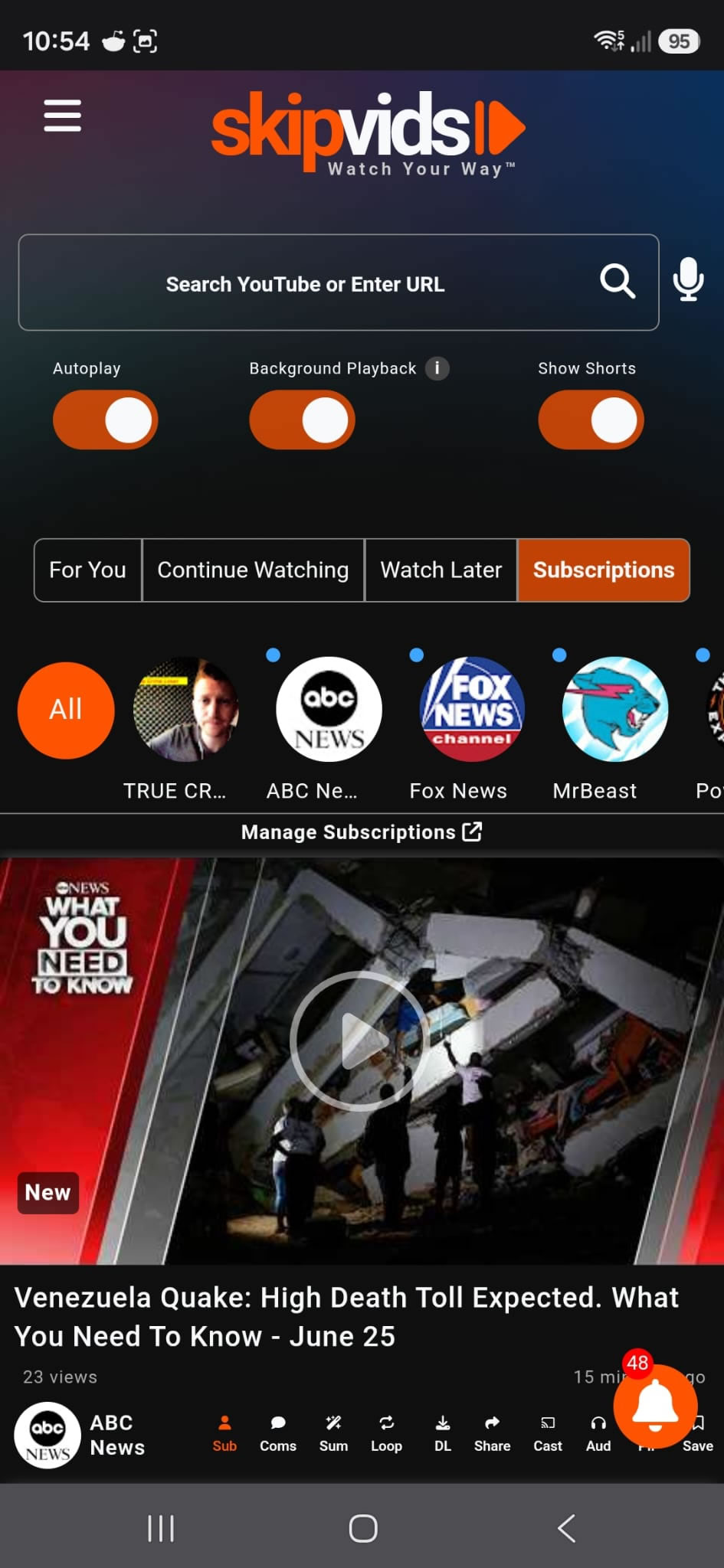

Fewer Interruptions
A cleaner way to watch YouTube videos inside SkipVids.
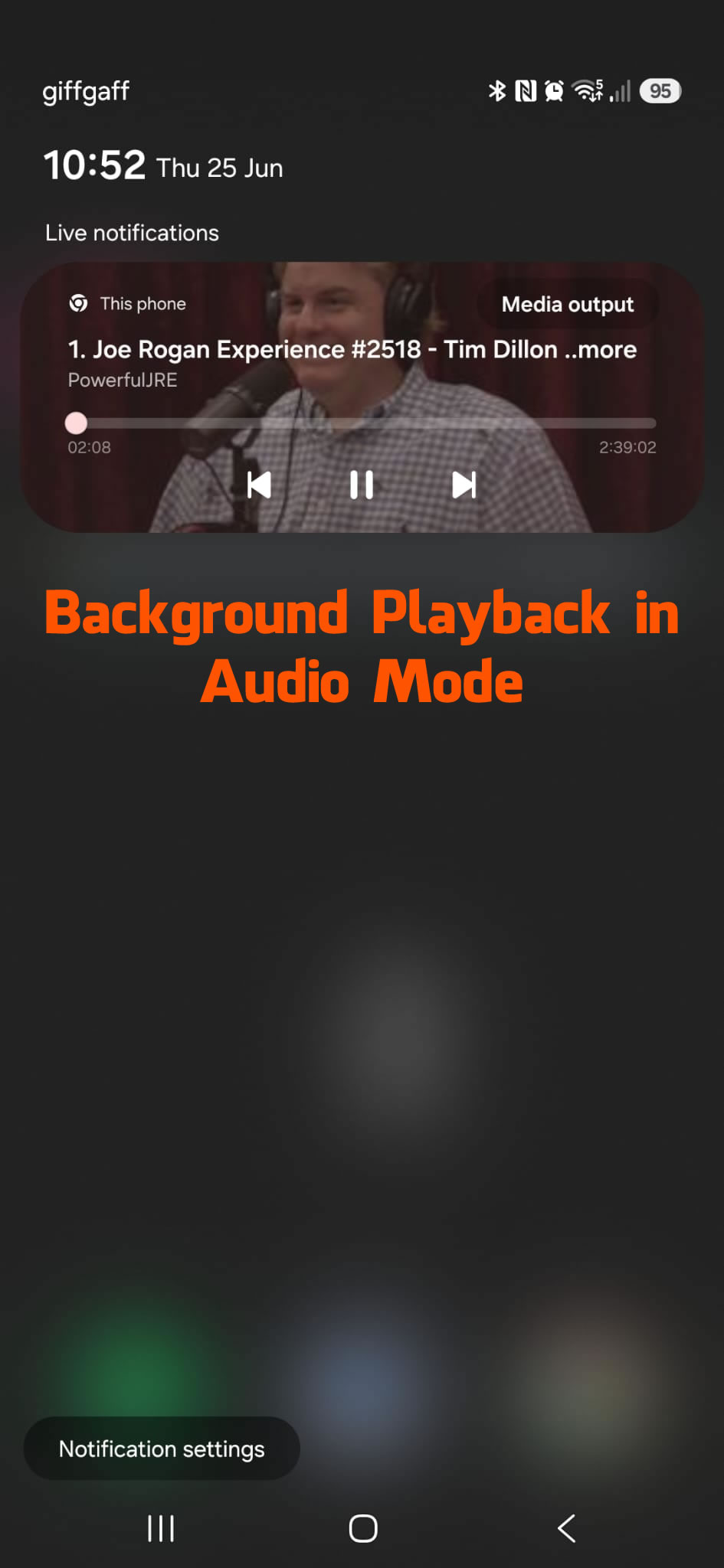
Background Audio
Use audio mode for music, podcasts and long videos while saving data.
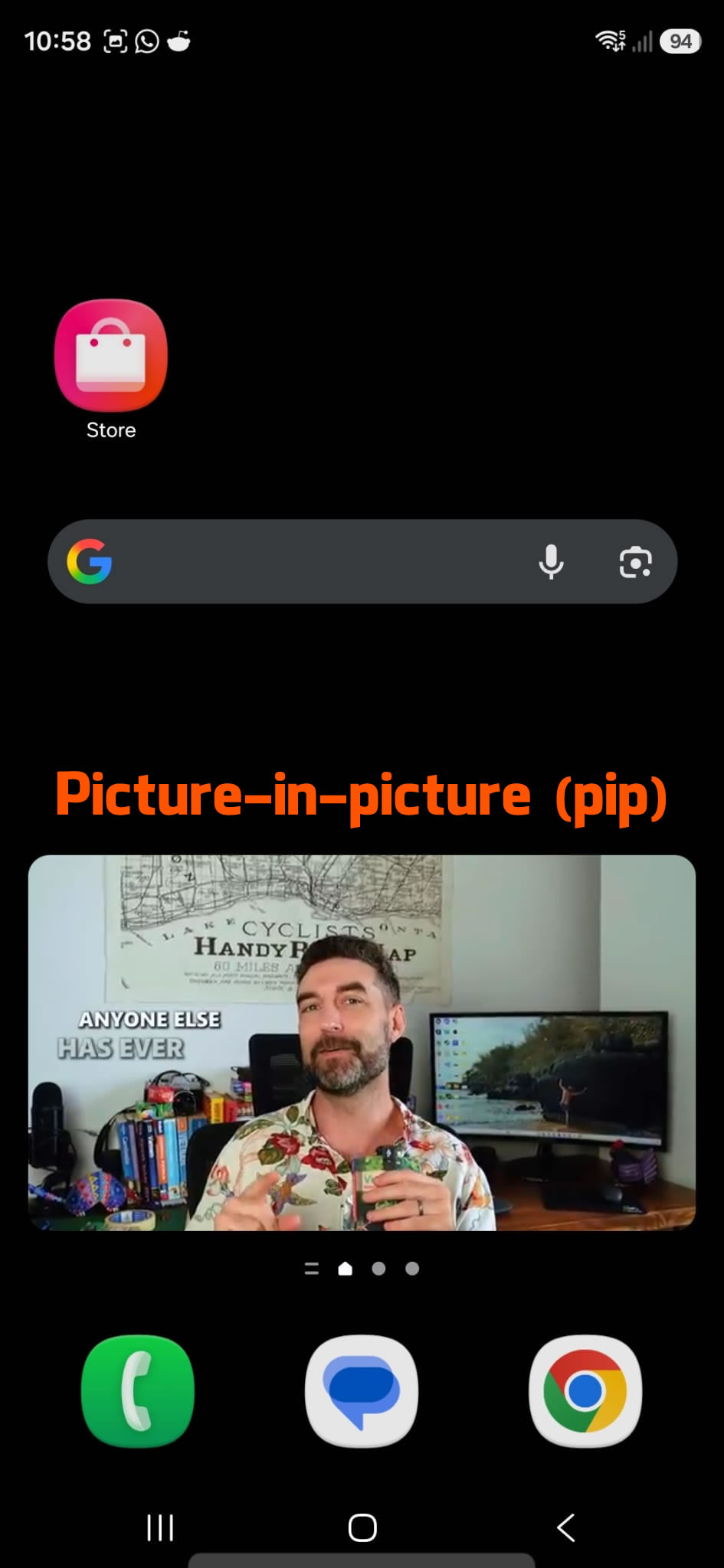
Picture-in-Picture
Keep watching in a floating player while doing other things.
Subscriptions Feed
Keep up with your favourite channels in a cleaner subscriptions view.
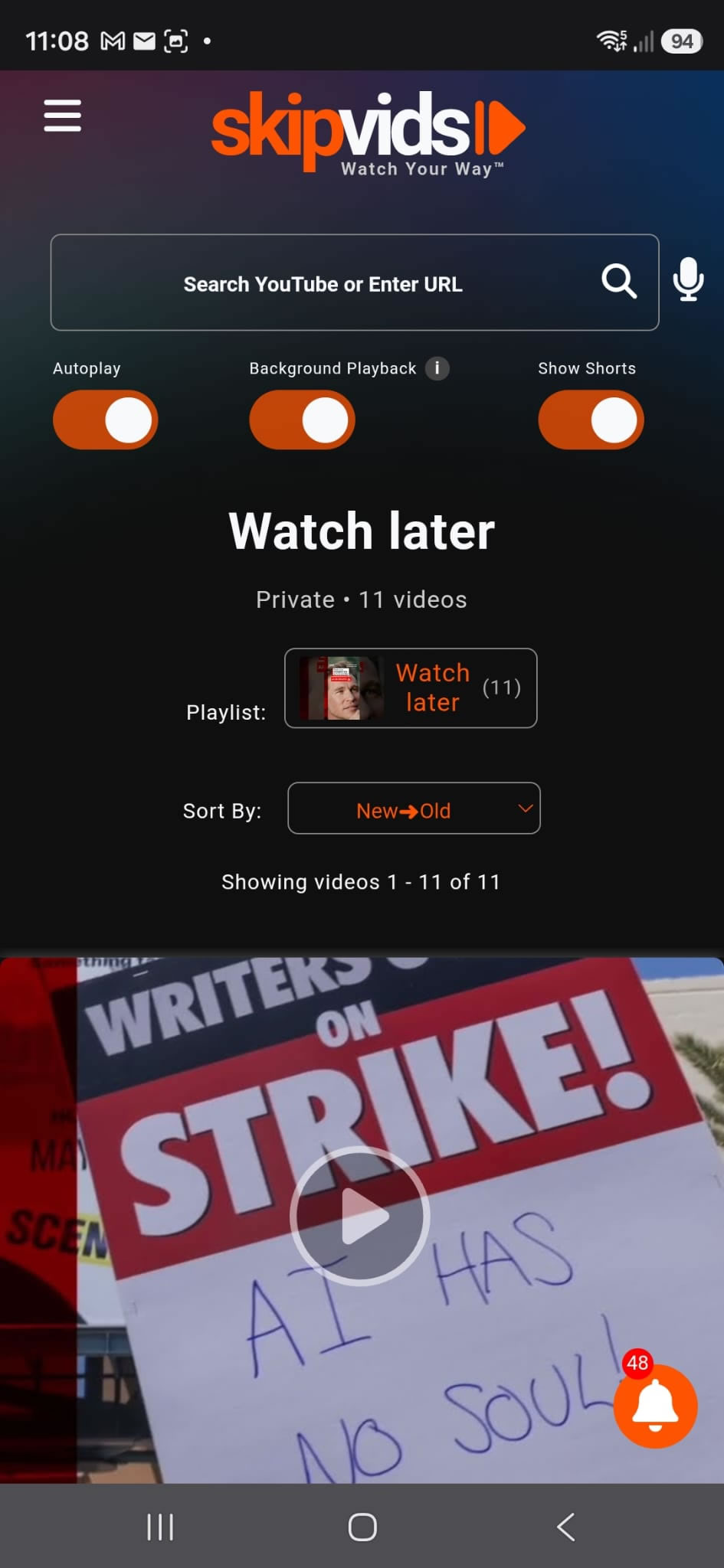
Watch Later
Save videos to come back to later without losing track of them.
Save Data
Audio-only mode helps reduce data usage for music and podcasts.
Safe & Secure
SkipVids is a Progressive Web App (PWA) that runs directly in your browser. There is no APK file to download and no app store approval screen to go through.
Quick Installation
Ready to Use SkipVids Like an App?
Install it once and launch it straight from your home screen.